
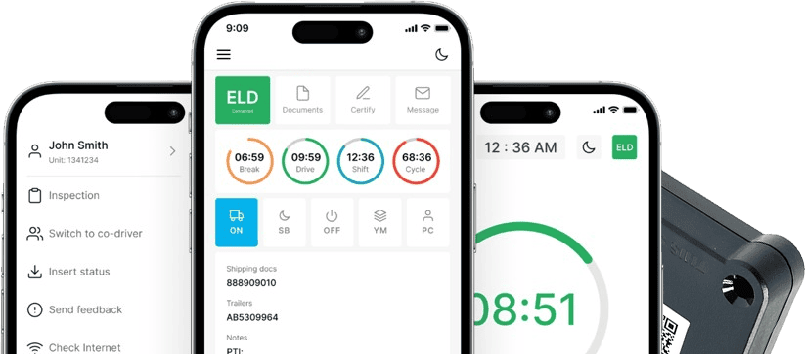
Shop ELD Devices Built for Owner Operators and Fleets
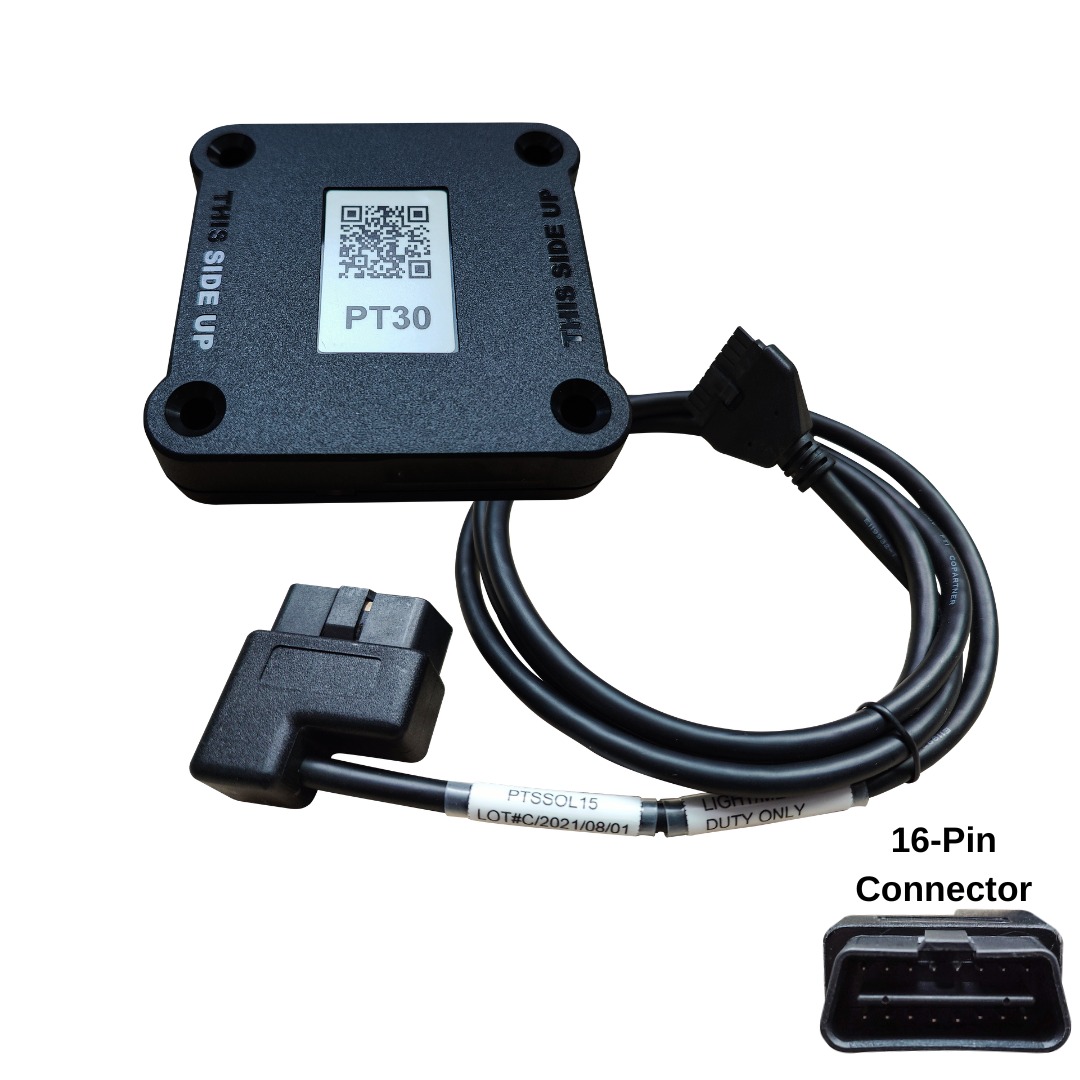
16-Pin OBD2 Cable (Light/Medium Duty)
$30.00 USD
Product Overview
If you’re running a light or medium duty truck, chances are your diagnostic port is a standard 16-pin setup, and that’s exactly what this cable is built for. The 16-Pin OBD2 Cable links that port straight to your ELD device, so engine and hours-of-service data can move back and forth without dropouts or guesswork. No adapters, no rewiring. Just plug it in, and your logs stay connected. It’s a small piece of hardware, but it’s the one thing standing between a clean inspection and a frustrating one.
Key Features
Here’s what makes this cable worth having in your truck:
- Direct 16-pin connection, no adapter needed.
- Works as both a light duty OBD2 cable and a solid fit for medium duty rigs.
- Pairs directly with LogSafe’s PT30 hardware and app.
- Housing built to survive daily plugging and unplugging.
- Keeps data transmission steady, so your ELD reporting doesn’t glitch out mid-shift.
Compatibility
This is where a lot of drivers get tripped up. If your vehicle has a 16-pin OBD2 port, standard on most newer light and medium duty trucks, you’re good to go. Older rigs or heavier trucks running a 9-pin J1939 or J1708 setup will need a different cable entirely, so double check your port before ordering.
Benefits
A mismatched cable causes more headaches than people expect: dropped connections, spotty data, and log gaps that show up at exactly the wrong moment during a roadside stop. This one’s built to avoid all that. It’s plug-and-play, so there’s no technician visit or extra cost. And because it feeds real-time engine and hours data straight to your device, your compliance record actually reflects what’s happening on the road.
Specifications
- Connector: 16-pin OBD2
- Built for: Light and medium duty vehicles
- Compatible device: LogSafe PT30
- Function: Diagnostic port to ELD hardware link
Frequently asked questions
Q
What is the 16-pin OBD2 cable used for?
A
A cable links the car’s OBD2 plug to the ELD. It moves engine stats and hours-of-service info so the e-log records come out right.
Q
Which vehicles are compatible with the 16-pin OBD2 cable?
A
This works for most light and mid weight cars and vans that have the usual 16 pin OBD2 plug. If your truck is older or carries heavy loads, you might need a different cable.
Q
Is the 16-pin OBD2 cable compatible with LogSafe ELD devices?
A
The page says this cable links straight to LogSafe PT30 gear and the app. That should keep the log data moving in a consistent way.
Q
How do I install the 16-pin OBD2 cable?
A
Find the 16-pin OBD2 slot in the vehicle. Push in the OBD2 lead. After that, attach the lead to the LogSafe PT30 ELD unit.
Q
Is the 16-pin OBD2 cable durable for daily use?
A
Yes, it is built tough. It handles plugging in and taking out every day. The data link stays stable while the fleet is on the move.